
Digital Decluttering for Mental Wellness with a Proven System in 2025
Transform your digital workspace with everyday tools. A Singapore professional’s guide to efficient file management and mental wellness for an overall digital wellbeing. #DigitalDecluttering #AI #Productivity
AI-Powered Digital Decluttering: From Chaos to Clarity
Digital Overwhelm: The Hidden Cost of Digital Chaos
If you’re like most professionals in Singapore today, you’re probably juggling multiple screens, endless notifications, and a seemingly infinite array of digital files. Whether you’re working from the office, at home, or remotely from anywhere in the world, digital overwhelm is a real challenge that affects both our productivity and mental wellbeing.
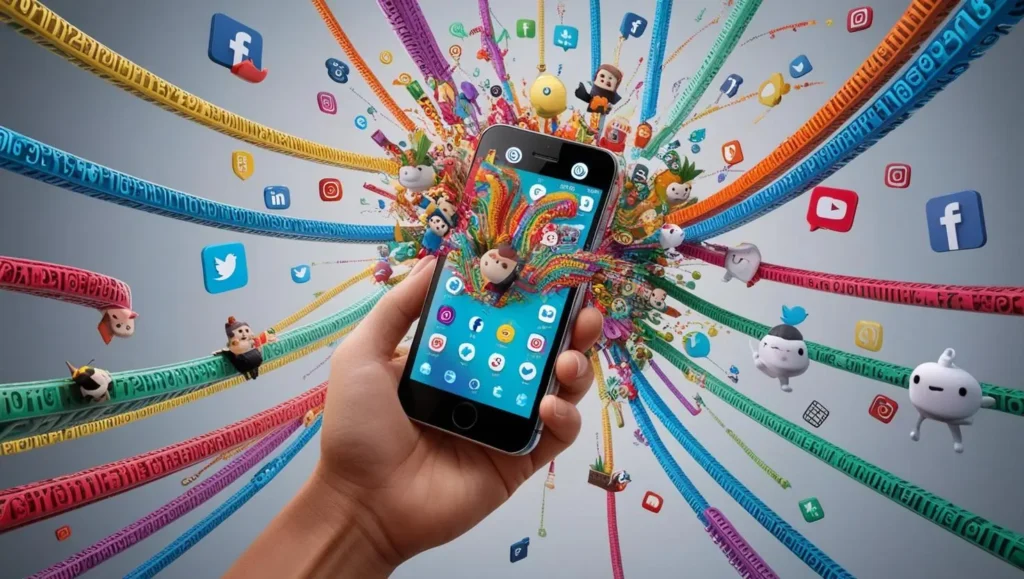
Recognising Digital Overwhelm in Today’s Workspace
In Singapore’s fast-paced professional environment, digital overwhelm extends far beyond mere busyness and digital fatigue. It’s an exhausting cycle of distraction and fatigue, driven by countless digital interactions and the pressure to respond instantly across multiple platforms. Whether you’re managing or collaborating with regional teams from anywhere in the world, these challenges are particularly relevant to our hyperconnected workspace.
Here are the Four Key Manifestations:
Digital Stress Overload
• Constant pressure from unread messages
• Multiple chat platforms demanding attention
• Urgent notification anxiety
• Impact on focus and productivity
Information Overload & FOMO
• Overwhelming social media feeds
• Endless email communications
• Multiple workplace platforms
• Fear of missing crucial updates
Attention Fragmentation
• Continuous platform switching/ context switching
• Lost productivity from interruptions
• Reduced focus and concentration
• Impact on work quality
Digital Time Sink
• Hours lost to non-essential activities
• Excessive time in virtual meetings
• Multiple tool experimentations
• Webinar and training overload
Personally for me, as a former Creative Tech professional who managed multiple projects across APAC, I found myself drowning in a sea of digital chaos – more than 8 TB of data spread across various devices, countless duplicate files, and an overwhelming number of communication channels of data. The breaking point came during a crucial client presentation where I spent 10 precious minutes searching for the latest version of a supporting document across multiple folders due to an unexpected request. While searching for the “unsearchable document”, I had to keep my client occupied with other topics. 😵💫
So, how often do you declutter your digital life?
The Mental Impact: Microsoft Work Trend Index 2023
Microsoft Work Trend Index 2023 “Will AI Fix Work?” reveals:
68% of people say they don’t have enough uninterrupted focus time during the workday
– Microsoft Work Trend Index 2023
Source: https://www.microsoft.com/en-us/worklab/work-trend-index/will-ai-fix-work
Additional findings:
• 57% of time spent on email, meetings, and calls
• 64% struggle with work energy management
• 61% need better digital organisation tools
Your Mindful Decluttering Checklist
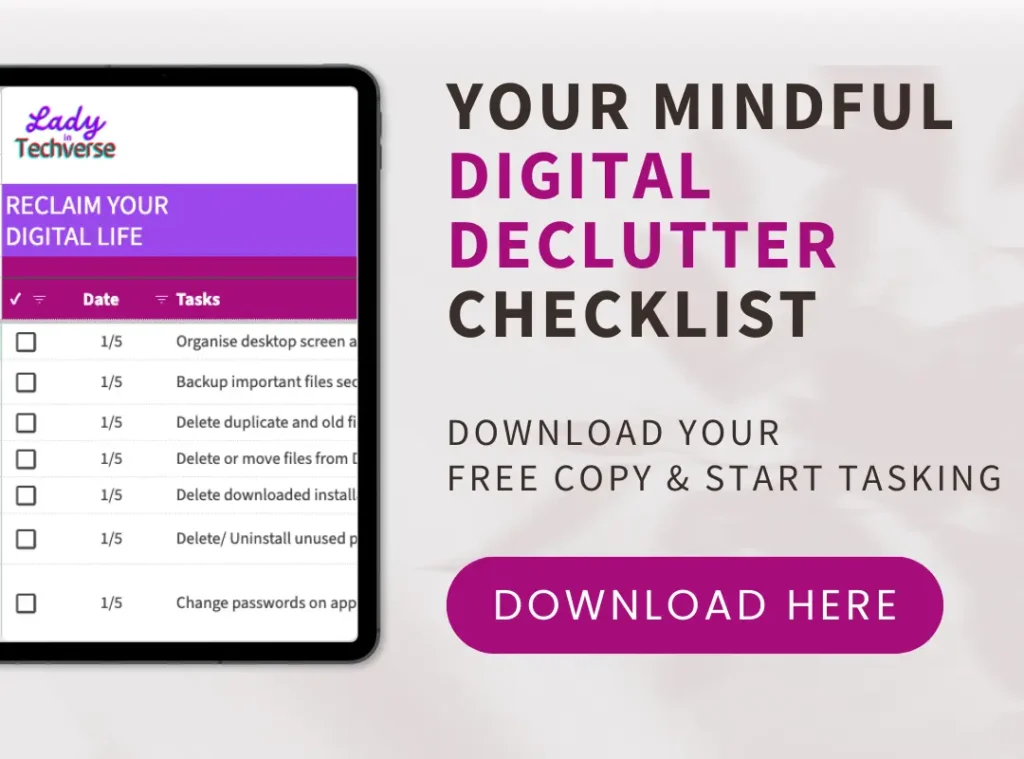
Feel free to view and download Your Personalised Mindful Digital Declutter Checklist at no cost.
Throughout my journey from digital chaos to clarity, I developed this practical 12-step checklist that transformed my digital life:
| Delete Mindfully • Set aside dedicated time for thoughtful deletion • Ask: “Have I used this in the past year?” • Consider both emotional value and practical need | Desktop Decluttering • Maintain minimal desktop icons • Create efficient folder structures • Regular clean-up routine • Move files to cloud storage |
| Document Organisation • Establish clear naming conventions • Create logical folder structures • Use cloud storage effectively | Secure Your Digital Space • Create and manage robust passwords • Implement two-factor authentication • Regular security audits |
| Streamline Your Digital Presence • Close unused accounts • Unsubscribe from non-essential mailing lists • Consolidate digital platforms | Email Management • Create an intuitive archive system • Implement the 2-minute rule • Set up smart filters |
| Photo Management • Use AI to identify duplicates • Create meaningful album structures • Regular backup schedule • Cloud storage organisation | App Assessment • Monthly usage review • Remove redundant applications • Keep essential tools only • Regular app audit |
| Backup Strategy • Implement automated systems • Create multiple backup locations • Regular verification checks • Document recovery procedures | Digital Maintenance • Weekly quick scans • Monthly organisation check-ins • Quarterly storage reviews • Annual digital spring cleaning |
| Security Protocols • Regular password updates • Data encryption practices • Access level reviews • Security software updates | Digital Wellness • Schedule regular digital breaks • Implement focus time blocks • Create technology-free zones • Practice mindful device usage |
On a Professional Workspace
Implementation Strategy
Based on my experience, here’s how to put these actionable items into workable methods:
Start Small, Scale Smart
• Begin with one device or platform
• Focus on high-impact areas first
• Build sustainable habits
• Track progress systematically
AI Tools and Solutions
| File Management Solutions • Cloud storage optimisation • Automated categorisation • Duplicate detection • Version control • Smart search capabilities | Communication Tools • Email management systems • Meeting schedulers • Team collaboration platforms • Document sharing solutions |
| Productivity Enhancement • Task automation tools • Time tracking software • Focus management applications • Digital workspace organisers | Security and Compliance • Data protection tools • Backup solutions • Access management • Compliance monitoring |
Success Metrics
| Tracking Your Progress • Time saved searching for files • Reduced digital stress levels • Improved focus time • Enhanced collaboration efficiency |
Best Practices
| Daily Habits for Digital Clarity • 15-minute daily organisation routine • Regular file naming discipline • Immediate action on simple tasks • End-of-day digital clean-up |

Future Trends
| Emerging Technologies • AI-powered personal assistants • Advanced file prediction systems • Integrated workflow solutions • Enhanced automation capabilities |
Chart Your (Professional) Path (Filenames) to Digital Clarity
| Start Your Journey Today • Choose one area from the checklist • Set realistic implementation timelines • Monitor progress regularly • Adjust strategies as needed |
Alternatively, if you are someone who’s into dashboard personalisation, Notion AI can offer you multiple templates to choose from or you can choose to create from scratch on how to leverage Notion as your virtual personal assistant in organising your daily routines. 🙂
Frequently Asked Questions (FAQ)
Internal Articles
- From Dot Com Bubble to AI Revolution (1996-present)
- The AI Productivity Paradox 2025
- How Brands Build Human Trust in the Age of Agentic AI, Starting in 2026
- Agentic AI in 2025: Ripples that Signal the 2026 Workflow Tsunami
- Digital Trust in 2025: Governance and Security Shaping the Next Economy
- Data Quality is the Power Move behind every winning AI Strategy in 2025
- Web Hosting Comparison – Verpex, Hostinger, and Vodien
Visual Content Disclaimer: All images except the declutter checklist image in this post are AI-generated.
Digital Decluttering for Mental Wellness with a Proven System
#LadyinTechverse #DigitalSanctuary #DigitalInnovation #DigitalTransformation #DigitalDecluttering #Declutter #Mental Wellness


Leave a Reply